Best Golf Simulator Features That Matter
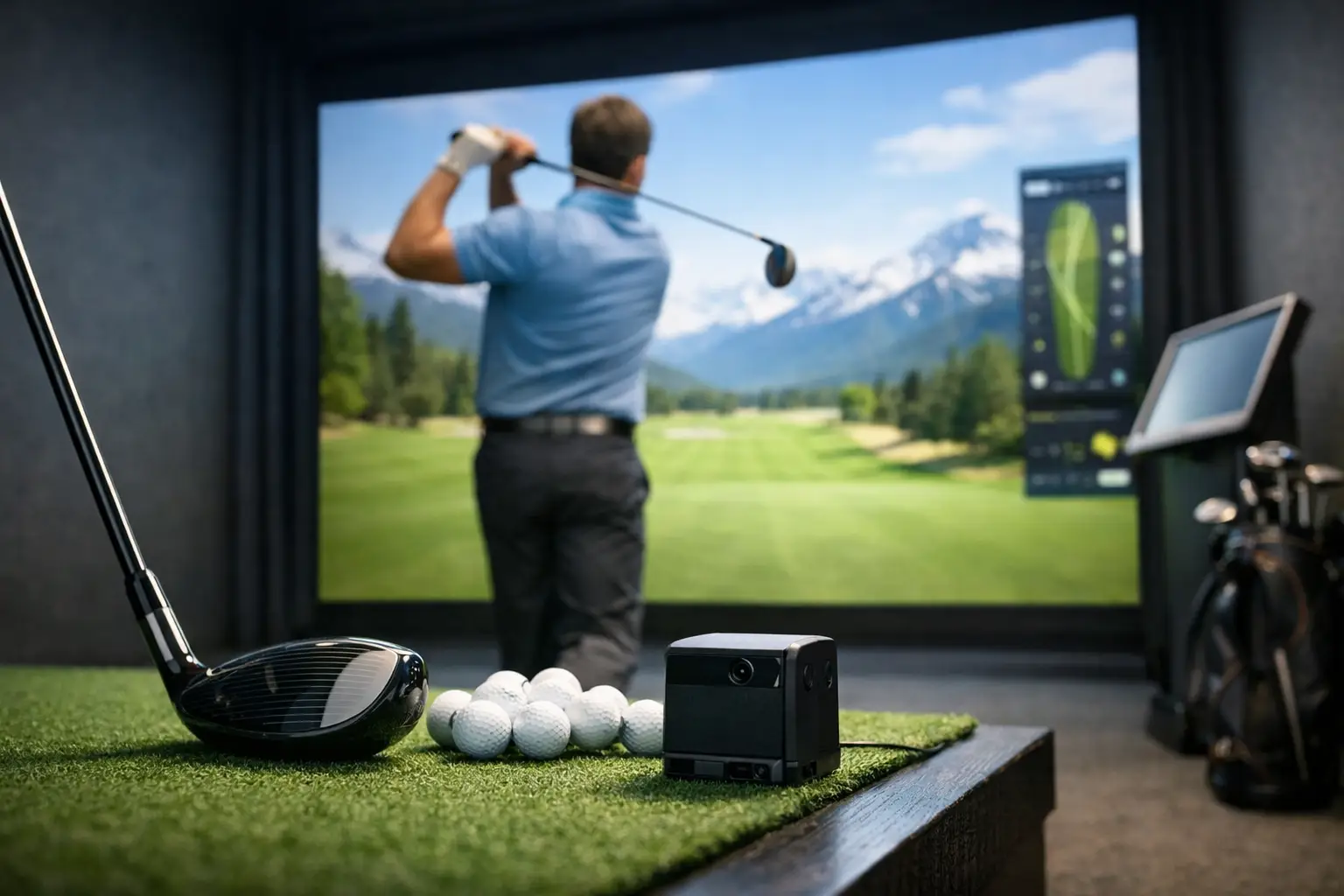
A launch monitor can tell you how far the ball went. A true simulator should tell you why the shot happened, how it would play on the course, and what to change on the next swing. That distinction is what separates flashy setups from the best golf simulator features golfers actually benefit from.
If your goal is entertainment only, almost any simulator can be fun for an hour. If your goal is better practice, more realistic play, and a premium experience that keeps pace with real golf, the details matter. The right technology changes how you train, how quickly you trust the data, and how much the simulator feels like golf instead of a video game.
What the best golf simulator features should do
The best systems are not defined by one headline spec. They combine accurate ball and club data, realistic lie response, fast shot recognition, and a playing environment that keeps the session moving. When those pieces work together, players get more than numbers on a screen. They get feedback they can use.
That matters for every type of golfer. Beginners need confidence that a good swing is rewarded correctly. Better players need precise feedback to tighten dispersion, dial in distances, and work on patterns. Families, league players, and corporate groups need an experience that feels polished rather than clunky.
Accuracy comes first
If the shot data is questionable, every other feature becomes less valuable. Accuracy is the foundation of a simulator that helps players improve rather than just pass time.
A quality system should read key metrics consistently, including ball speed, launch angle, spin, carry distance, side spin behavior, and shot shape. Better platforms also capture club delivery elements that help explain ball flight. The reason this matters is simple: golfers do not improve from raw output alone. They improve when the data connects cause and effect.
There is a trade-off here. Some setups are great for casual entertainment but less precise on mishits, partial shots, or subtle curvature. That may be enough for a birthday party or a social night out. It is not enough for serious practice, club gapping, or instruction.
Realistic lie play changes everything
One of the most overlooked best golf simulator features is the ability to recreate uneven lies and changing ground conditions. Flat-mat golf has limits. It can make every swing feel the same even when the course would ask for something different.
A moving swing plate changes the equation. When the platform adjusts to simulate uphill, downhill, and sidehill lies, players have to make more realistic setup and swing decisions. That leads to better transfer from indoor practice to outdoor play. You are not just hitting balls into a screen. You are learning how your swing holds up when the lie is less than perfect.
This feature is especially valuable for players preparing for real-course conditions, tournament rounds, or instruction sessions where pattern recognition matters. It also makes simulated rounds more immersive because approach shots and recovery shots stop feeling generic.
Multi-surface hitting mats matter more than people think
Lie realism is not only about slope. Surface interaction matters too. Premium multi-surface mats can simulate fairway, rough, and bunker-style conditions in ways basic mats cannot.
That affects more than feel. It affects strike quality, turf interaction, and shot selection. A rough lie should ask something different from the player than a clean fairway lie. When a simulator can reflect those differences, practice becomes more honest and course play becomes more strategic.
High-speed cameras improve feedback
Not every golfer needs a wall of numbers. Almost every golfer benefits from seeing impact clearly.
High-speed impact cameras are one of the most useful features in a premium simulator environment because they show what happened at the moment that matters most. Face contact, path tendencies, strike location, and turf interaction become easier to understand when players can see them rather than guess.
For instruction, this is a major advantage. Coaches can pair data with visual proof, which speeds up learning. For self-guided practice, it helps players avoid chasing the wrong fix. If the strike pattern says one thing and the ball flight says another, the camera gives context.
A system running at 400 frames per second or similar high-speed capture can reveal details that lower-end setups simply miss. That does not mean every player needs tour-level analysis every session. It means the option is there when precision matters.
Fast, reliable shot recognition keeps the experience premium
The best golf simulator features are not only about swing analysis. They are also about flow.
Nothing drains energy from a session faster than delayed reads, missed shots, awkward setup steps, or repeated resets. Fast shot recognition keeps practice efficient and simulated rounds enjoyable. It helps leagues stay on schedule, keeps group events moving, and makes casual players more comfortable.
This is where automation matters. Features like auto-tee functionality may sound like convenience upgrades, but they have real value. They reduce interruption, maintain rhythm, and make the overall session feel polished. For some golfers, that means more swings in less time. For group play, it often means a better social experience because the technology gets out of the way.
Why convenience features are not just extras
There is a tendency to separate performance features from comfort features, as if one is serious and the other is optional. In practice, they support each other.
A cleaner, faster experience means players stay engaged longer and practice with better focus. If you are constantly stopping to reset balls, reposition equipment, or troubleshoot misreads, the quality of the session drops. Premium simulator environments understand that realism and usability should work together.
Course play should feel immersive, not cartoonish
Graphics alone do not create realism, but they do shape how believable the round feels. The best simulator course play combines visual quality with accurate ball behavior, reliable green reading, proper lie response, and natural pacing.
This matters because golfers want two things at once. They want to train, and they want to enjoy the round. A simulator that delivers both becomes far more useful over time. You can practice with purpose one day and play a competitive match the next without feeling like you are switching to a different platform entirely.
For leagues and tournaments, immersion matters even more. Players want scoring to feel credible, putts to react naturally, and course management decisions to have consequences. If the system feels too forgiving or too game-like, competitive value drops.
The best golf simulator features support instruction and improvement
A premium simulator should not just collect information. It should make coaching better and practice more efficient.
That means clear shot history, easy comparison between swings, usable video feedback, and data that helps identify trends over time. A single shot can be interesting. A pattern is what improves your game. The best setups help players see whether the miss is left because of face angle, path, strike location, or a mix of factors.
This is where a serious indoor facility stands apart from a basic entertainment venue. Technology should support structured improvement, whether that means private lessons, junior development, short-game work, or competitive practice. For players in the Phoenix metro area who want year-round consistency without weather interruptions, that kind of environment is a major advantage.
Not every golfer needs the same feature set
This is where buying or booking decisions get more nuanced. The best golf simulator features for a low-handicap player may not be the same ones that matter most to a beginner or a social group.
A competitive player will usually prioritize precise data, realistic lies, and advanced feedback tools. A newer golfer may care more about ease of use, visual clarity, and a system that builds confidence rather than overwhelm. Parents looking at junior programming may want a blend of accurate feedback, engaging experience, and coaching support. Corporate groups often value polished tech, reliable pace, and an environment that feels elevated.
The point is not to chase the longest feature list. It is to choose the features that match your purpose. Better training, better entertainment, and better events all start from that question.
What to look for before you book or buy
When evaluating a simulator, ask whether the technology improves realism, feedback, and consistency in ways you will actually use. Moving swing plates, high-speed impact cameras, auto-tee systems, and multi-surface hitting mats are not gimmicks when they are integrated well. They make the session sharper, faster, and more lifelike.
It also helps to ask how the system performs across different use cases. Can it handle serious instruction? Does it support competitive league play? Will a beginner enjoy it without feeling lost? The strongest setups answer yes across the board because they are built around both performance and experience.
A great simulator should leave you with more than a scorecard or a few impressive numbers. It should give you a clearer picture of your game and make you want to come back for another purposeful session. That is the standard worth chasing.
Sources and further reading
- GOLFZON simulator technology GOLFZON
- TwoVisionNX simulator features GOLFZON
- Launch-monitor measurements and specifications TrackMan