How to Use Launch Monitor Data to Practice Better
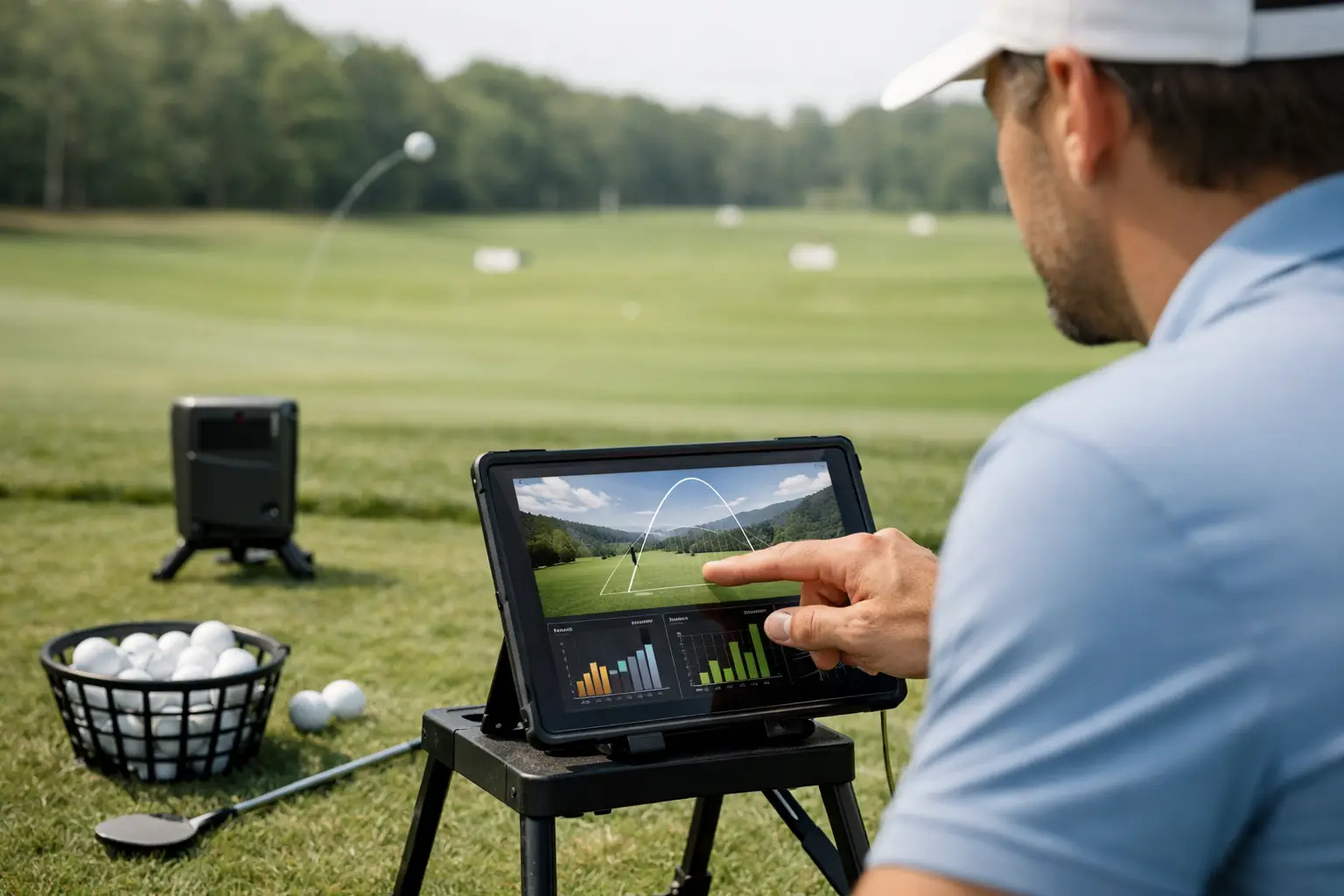
A launch monitor can tell you that your 7-iron carried 154 yards. Useful, but that number alone will not lower your score. The value comes from learning how to use a launch monitor to connect what you feel in your swing with what the ball actually does. When the data has a purpose, each shot becomes a decision instead of another ball hit into a screen.
At a premium indoor facility, that process is especially efficient. Advanced simulator technology captures the shot, displays the result immediately, and lets you repeat a specific situation without waiting on weather, daylight, or an open range. The goal is not to chase perfect numbers. It is to build a more predictable golf game.
How to Use a Launch Monitor Before You Swing
Start with a question. A productive session needs one clear outcome, whether that is finding a dependable tee-shot shape, confirming wedge distances, improving strike quality, or preparing for a course you plan to play. Walking in and hitting drivers for an hour may be fun, but it rarely produces a useful practice plan.
Choose a club and a shot you would actually need on the course. For example, if you often face a 145-yard approach, use the club you normally choose for that yardage and hit a small set of shots with your standard swing. Do not try to manufacture a career-best number on the first ball. Your normal pattern is the starting point.
A quality launch monitor session also starts with consistent setup. Use the same type of golf ball when possible, place it in the designated hitting area, and allow the system to read each shot before moving on. On a simulator with auto-tee functionality, that rhythm is easier to maintain, particularly during driver practice. For irons, make sure the ball position and alignment reflect your intended on-course setup, not a rushed stance built around the screen.
Begin With a Baseline, Not a Swing Fix
Hit eight to 12 shots with one club before drawing a conclusion. One flushed shot and one poor strike do not define your game. The cluster between them does.
Look first at carry distance, total distance, direction, and dispersion. Carry is generally the most reliable number for making club selections because it tells you how far the ball flies before it lands. Total distance matters, too, but it changes dramatically with turf firmness, slope, wind, and landing angle outdoors. A 160-yard carry that rolls out to 175 yards in a simulator may be useful for a firm fairway strategy, but it should not convince you that your 7-iron is a 175-yard club.
Next, assess the shape of the pattern. Are most shots finishing right of target? Is the miss short? Does your distance drop whenever contact moves low on the face? Those are actionable observations. A launch monitor turns vague feedback such as “I was a little off today” into a pattern you can test.
Do not discard every outlier automatically. A severe miss can reveal a pressure-point problem, especially with driver. But if one shot is clearly the result of a slip, a misread, or an unusual swing, do not let it distort your averages.
Read the Numbers That Matter for Your Goal
Modern launch monitors can provide a substantial amount of information. More data is not always better. Focus on the metrics that answer your question.
For distance control, ball speed, launch angle, spin rate, carry distance, and landing angle are the core conversation. Ball speed is closely tied to strike quality and delivered speed. Launch and spin determine how the ball travels through the air. Landing angle helps explain whether a long iron or hybrid will hold a green.
For shot shape, start with face angle, club path, and the resulting launch direction and curvature. In simple terms, the clubface has the strongest influence on where the ball starts, while the relationship between face and path has a major influence on curve. If your ball starts right and curves farther right, you have more than one possible cause. The launch monitor helps you separate them rather than making a random grip or stance change.
For wedges, prioritize carry distance and dispersion over maximum spin. A 60-yard shot that carries between 57 and 63 yards is more valuable than a single high-spin shot that lands at 60. Build stock distances for partial swings, then use those numbers to create better on-course decisions.
Some systems also provide impact imagery and detailed club delivery information. At 24 Precision Golf, high-speed impact cameras and Golfzon technology can give players a clearer look at strike location and ball behavior. That matters because a shot can feel solid while impact tells a different story.
Change One Variable at a Time
The fastest way to waste launch monitor data is to change your grip, ball position, tempo, alignment, and swing thought all at once. If the ball improves, you will not know why. If it gets worse, you will not know what to undo.
Pick one adjustment and test it over several shots. Perhaps you move the ball slightly back to lower launch with a wedge. Perhaps you use an alignment stick or a screen target to improve start line. Perhaps your instructor gives you a specific feel to improve centered contact. Hit enough balls to see whether the change shifts the pattern, not merely whether it produces one good result.
This is where professional instruction and launch monitor feedback work so well together. A PGA professional can translate the data into a practical priority, while the monitor confirms whether the change is actually moving the ball flight in the intended direction. Data should support coaching, not replace it.
Practice the Shot, Not Just the Number
A simulator makes it easy to get absorbed by a dashboard. Golf, however, is played one shot at a time, with a target, a consequence, and often an imperfect lie. Build those elements into your session.
After establishing a baseline, choose a target and play a simple challenge: five shots to a green, five drives through a fairway window, or five wedges that must finish within a specific carry range. Change clubs between shots instead of hitting the same one repeatedly. This better reflects the way you play outdoors and exposes whether your distances hold up when you cannot groove the same swing.
The simulator environment can add valuable realism here. Moving swing plates and multi-surface hitting mats help recreate uphill, downhill, sidehill, rough, and fairway situations. A ball that performs well from a level mat may require a different setup or club selection from an uneven lie. Use those conditions to practice the decisions that usually get skipped on a standard range.
For competitive players, create a pressure element. Keep score, set a penalty for missed targets, or finish the session with a virtual hole where you must use the club and shot the situation demands. For newer golfers, make the target larger and the success standard simpler. The data is still valuable, but confidence and contact come before fine-tuning spin windows.
Build a Distance Profile You Can Trust
One of the most practical uses of a launch monitor is creating a personal distance chart. Record your typical carry distance and normal miss for each club, not the longest shot you have ever produced. Repeat the process on another day before treating the numbers as final.
Your chart should show ranges, not false precision. A driver may carry 235 to 248 yards depending on strike and swing speed. A pitching wedge may carry 112 to 120. Those windows are more honest and more useful than claiming every club has one exact yardage.
Pay attention to gapping. If two clubs produce nearly identical carry distances, one may not have a clear role in the bag. If there is a large gap between a fairway wood and hybrid, you may need to adjust lofts, evaluate shaft fit, or practice a reliable three-quarter option. The right answer depends on your game and the courses you play, but the data gives you a better starting point than guesswork.
Avoid the Most Common Launch Monitor Mistakes
Do not compare your numbers too aggressively with tour averages or a friend who swings faster. The right launch, spin, and ball speed combination depends on club speed, strike, equipment, and desired ball flight. Better golf is not always higher ball speed or lower spin. It is often tighter dispersion and more repeatable carry.
Also remember that indoor data should inform outdoor play, not create a false sense of certainty. Simulator systems are exceptionally useful for controlled practice, but outdoor variables still matter. Wind, temperature, elevation, grass conditions, and course firmness can change what a shot does after it leaves the clubface.
Finally, do not turn every session into a technical audit. Some visits should be about playing a round, competing in a league, or enjoying a night with friends. A great simulator experience makes room for both serious improvement and pure enjoyment. The difference is being intentional about which one you came to do.
Bring one on-course question to your next session, collect enough shots to see the truth, and leave with one clear adjustment or decision to test. That is how launch monitor practice starts showing up where it matters most: on the scorecard.