A Practical Guide to Golf Simulator Technology
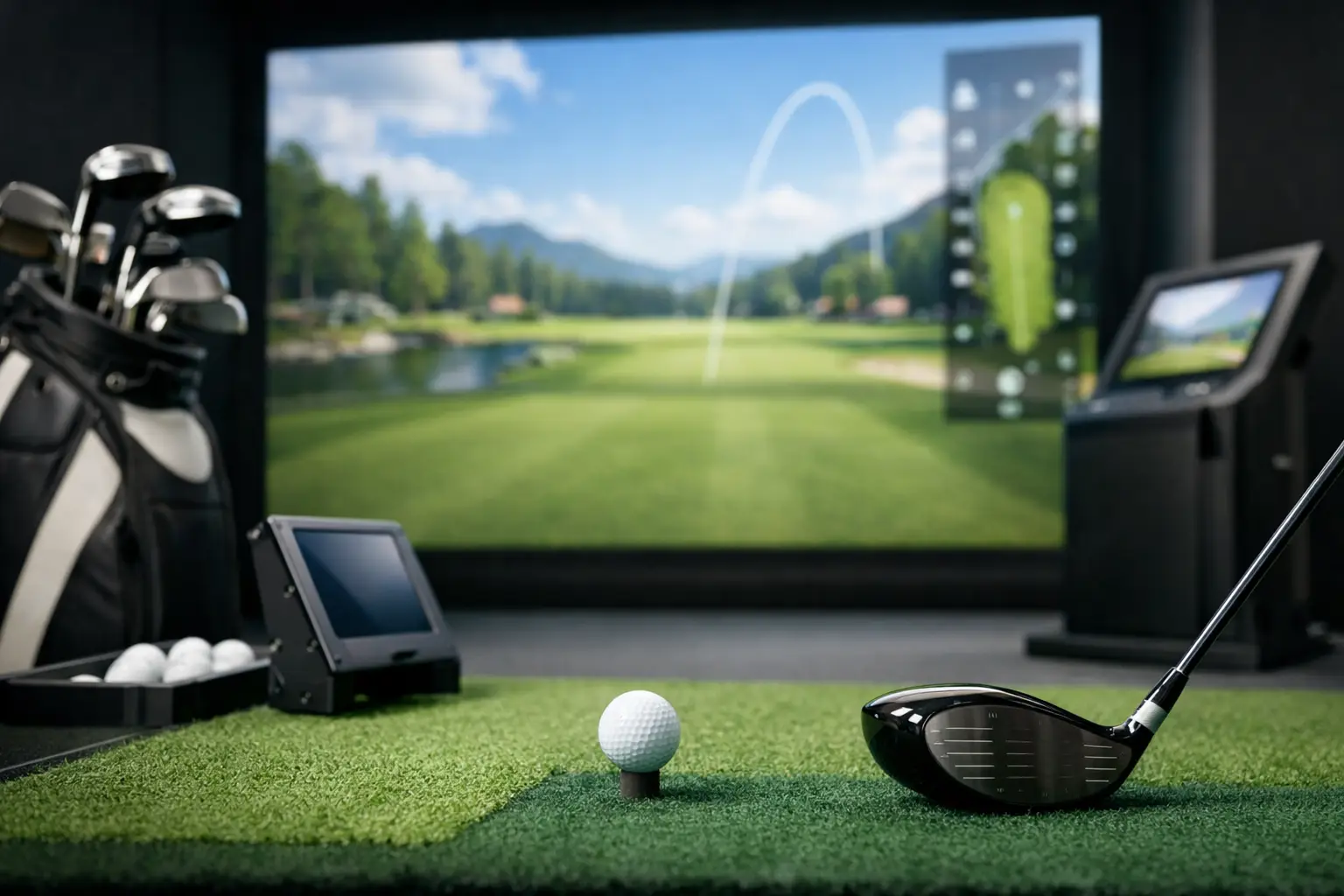
A great simulator does more than put a virtual course on a large screen. It has to read the golf ball accurately, respond to the club, recreate meaningful lie conditions, and deliver feedback a golfer can use on the next swing. This guide to golf simulator technology explains what separates a serious performance environment from a basic indoor golf setup – and why those differences matter whether you are training, playing a round, or hosting a group.
What Golf Simulator Technology Actually Measures
Every simulator begins with a simple job: determine what happened at impact. The technology tracks the ball and, depending on the system, elements of club delivery to calculate a shot’s initial conditions. Those measurements are then used to project ball flight and determine where the ball finishes on a virtual course.
The most useful data typically includes ball speed, launch angle, spin rate, carry distance, total distance, direction, and shot shape. For a player working on a fade that has become a slice, or a junior golfer learning to control contact, those numbers make practice more specific. Rather than guessing why a shot came up short or leaked right, the golfer can see the result in measurable terms.
Accuracy is not only about producing an impressive distance number. It is about consistency. If similar swings produce dramatically different readings, the feedback becomes difficult to trust. A quality simulator is designed to capture impact reliably so golfers can identify real patterns, make an adjustment, and test whether that adjustment worked.
How Cameras and Sensors Read the Shot
Golf simulators use different tracking methods, including camera-based systems, radar, infrared sensors, and combinations of these technologies. Each can provide meaningful feedback, but the setup affects what the system sees and how naturally it fits into the experience.
High-speed cameras capture the critical moments immediately around impact. In premium systems, cameras operating at speeds such as 400 frames per second can capture ball behavior with exceptional detail. That allows the simulator to calculate launch characteristics quickly and display the result without interrupting the rhythm of play.
Camera-based tracking is especially effective indoors because the ball does not need a long flight window before the system can make its calculations. That helps keep the simulator bay compact while still delivering useful shot data. It also supports faster play, which matters during a league round, a lesson, or a corporate event where no one wants to wait between shots.
Not every golfer needs the same level of detail. A beginner may benefit most from understanding carry distance and start direction. A competitive amateur preparing for a tournament may want to compare spin, launch, dispersion, and strike consistency across several clubs. The value of advanced tracking is that it can serve both players without turning every swing into a science experiment.
Why Realism Depends on More Than Ball Flight
A projected fairway and realistic graphics can make a simulator fun. But real-course realism comes from what happens before the ball is struck as well.
On a golf course, a flat tee shot, an uphill approach, and a ball below your feet require different setups and different balance. Standard simulator bays often ask players to hit every shot from the same level mat. That is convenient, but it removes a major part of the game.
Advanced Golfzon systems, including TwoVisionNX technology, use a moving swing plate that adjusts to replicate uphill, downhill, sidehill, and uneven lies. The platform changes the player’s stance instead of simply displaying a different lie on screen. That adds a physical decision-making element to virtual golf: the golfer must account for posture, balance, club selection, and trajectory just as they would outdoors.
Multi-surface hitting mats add another layer. A shot from simulated rough should not feel identical to a shot from a clean fairway lie. Turf options designed to represent fairway, rough, sand, and teeing areas make course management more believable and help players develop better adaptability.
There is a trade-off. More realistic lie conditions may challenge golfers who are used to a perfectly level stance, and they can make a casual round more demanding. That is exactly the point for players seeking authentic practice. For social groups, the same technology creates more memorable moments and a truer sense that each hole presents a different test.
Auto-Tee Systems Keep the Round Moving
Small details shape the overall experience. An auto-tee system places the ball for the next tee shot automatically, reducing interruptions and keeping groups engaged. It may sound like a convenience feature, but it has a noticeable effect over 18 holes.
For a golfer fitting in a round after work, faster transitions mean more time playing and less time managing the bay. For leagues and tournaments, pace of play is essential. For events, an auto-tee system helps keep the energy up while making the experience approachable for guests who may not play golf regularly.
Convenience should not be confused with a shortcut. The best simulator technology removes unnecessary friction while preserving the elements that make the game challenging: swing execution, decision-making, distance control, and course strategy.
A Guide to Golf Simulator Technology for Practice
Simulator practice is most productive when it has a purpose. Hitting 75 drivers without a target can be entertaining, but it is not always the fastest way to improve. The advantage of accurate indoor data is the ability to create focused practice sessions around a specific skill.
A player trying to gain distance might compare launch angle, ball speed, and strike quality across a few swing changes. A player preparing for a course with narrow driving corridors might use dispersion patterns to identify a reliable tee club. Wedge practice can become more precise when golfers work through carry distances in measured intervals instead of relying only on feel.
The simulator is also valuable because it makes repetition efficient. There is no searching for balls, changing weather, or waiting for a range stall. In the Phoenix metro area, that weather-proof consistency is especially valuable during extreme heat, monsoon conditions, or a packed schedule that leaves little daylight for practice.
Data alone does not fix a swing. Numbers need context, and that is where professional instruction matters. A PGA professional can connect the readout to the movement that produced it, prioritize the right change, and keep golfers from chasing one ideal metric at the expense of their overall game. A lower spin number is not automatically better, for example, if it comes with less control or a ball flight that does not fit the player’s goals.
Simulator Courses, Competition, and Social Play
Course simulation gives data a practical setting. A player can take what they see in practice and apply it to real decisions: lay up or carry the hazard, hit a controlled shot into the wind, or choose a safer target from an uneven lie.
This is why simulator golf works so well for leagues and tournaments. Players get the competitive rhythm of golf without losing a round to weather or needing a full day on the course. The technology can track scoring, pace, and course conditions while keeping the competition organized and engaging.
It also creates an elevated group experience. Serious golfers appreciate accurate feedback and realistic terrain, while new golfers can enjoy the immediate visual result of each shot. The shared screen turns a private swing into a social moment without making the setting feel like a novelty-only attraction.
At 24 Precision Golf, the purpose of advanced simulation is not to replace outdoor golf. It is to make meaningful golf more available: a place to practice with intent, play a realistic round, receive expert guidance, or compete with friends when the calendar and conditions make a traditional tee time difficult.
What to Look for Before You Book
The right simulator experience depends on your goal. If you want a casual outing, a clear screen, easy controls, and a comfortable setting may be enough. If you want to improve, look beyond graphics and ask whether the system offers dependable ball tracking, actionable shot data, and realistic hitting conditions.
For practice, prioritize accuracy, visible data, quality mats, and enough space to swing freely. For lessons, look for technology that supports the instructor’s coaching process rather than burying the session in numbers. For leagues and group events, pace of play, auto-tee functionality, course variety, and a polished environment become more important.
The best test is simple: after a session, can you explain what your ball did, why it likely did it, and what you want to work on next? When simulator technology answers those questions while making the round genuinely enjoyable, indoor golf becomes more than a substitute for the course. It becomes a sharper way to spend time with the game.
Sources and further reading
- GOLFZON simulator technology GOLFZON
- TwoVisionNX simulator features GOLFZON
- Launch-monitor measurements and specifications TrackMan